What is the UNIZIK student portal and how does it work?

The UNIZIK student portal is the official online platform used by students and applicants of Nnamdi Azikiwe University (UNIZIK), Awka, Anambra State to access important admission and academic services. The portal allows prospective students to complete admission processes, check admission updates, manage student accounts, and access university-related services online.
As Nigerian universities continue adopting digital platforms, student portals have become an important part of the academic journey. They help reduce paperwork and allow applicants and students to complete many processes remotely.
The UNIZIK portal is mainly used for:
- Post UTME registration
- Admission application
- Admission status checking
- School fee-related activities
- Course registration
- Student information management
The services available may depend on whether the user is an applicant, newly admitted student, or returning student.
UNIZIK Important Portal Links
- Official UNIZIK Website: Click Here to Visit UNIZIK Official Website
https://unizik.edu.ng/ - UNIZIK Admission/Post UTME Portal: Click Here to Apply
https://apply.unizik.edu.ng/ - JAMB eFacility Portal (Admission Status): Click Here to Check Admission Status
https://efacility.jamb.gov.ng/
NOTE: Students should always confirm the latest portal addresses through the official university website before entering personal information.
Before proceeding, i will suggest you have a look on this suggested article (2026) Nigerian Army Recruitment Portal: Login, Application Form, Requirements, and How to Apply
How do you login to the UNIZIK student portal?
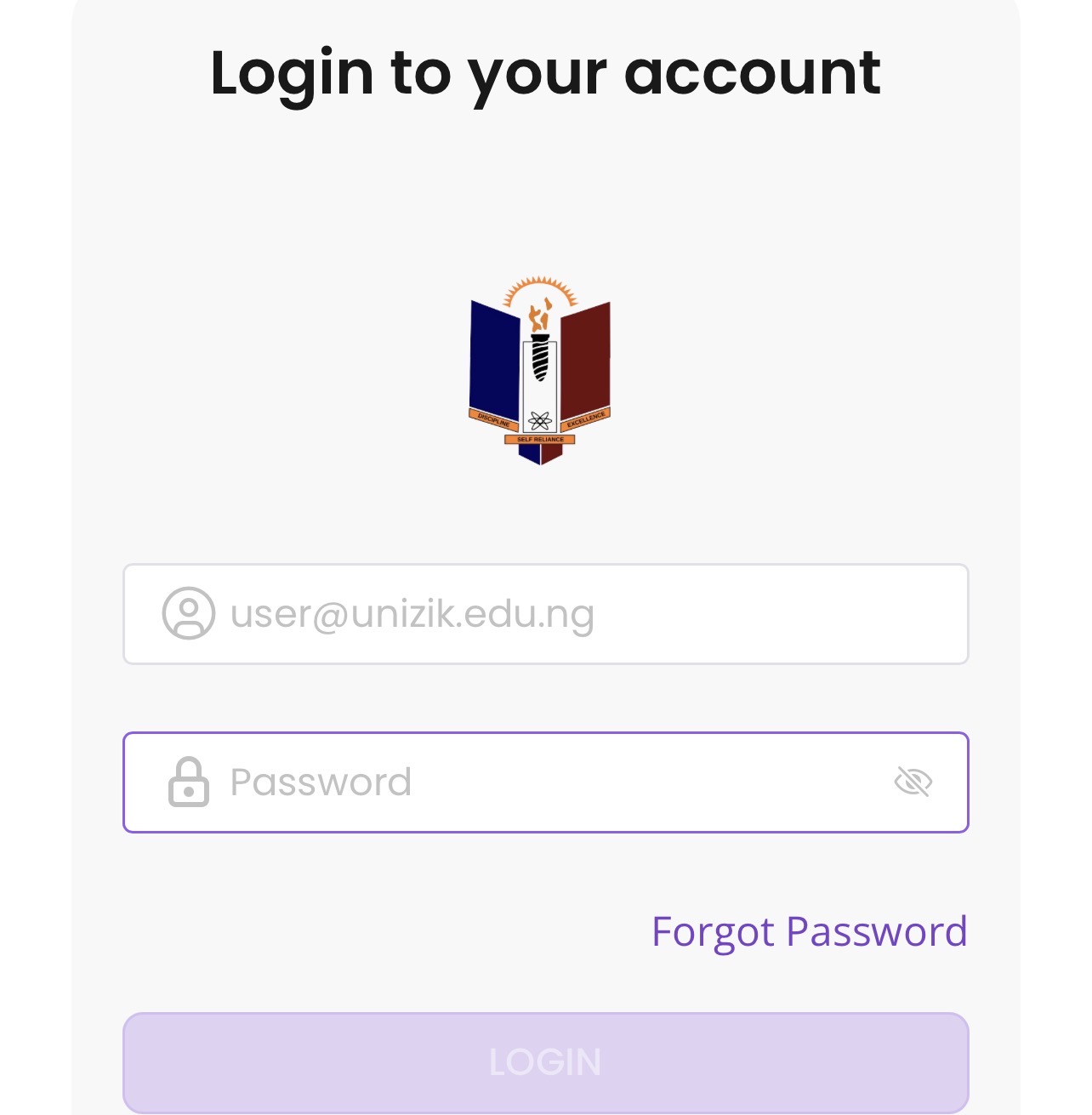
To access the UNIZIK student portal, students and applicants need their correct login details.
The login information depends on the type of user:
Applicants may use:
- JAMB registration number
- Email address
- Application details
- Password created during registration
Registered students may use their student login details provided by the university.
A typical login process involves:
- Visit the official UNIZIK portal.
- Select the appropriate login section.
- Enter your username or registration details.
- Enter your password.
- Access your dashboard.
Students should avoid sharing their passwords with others because university accounts contain important academic information.
What is the UNIZIK admission portal used for?
The UNIZIK admission portal is the platform where candidates complete admission-related activities.
Applicants can use the portal to:
- Register for Post UTME
- Submit admission information
- Upload required documents
- Monitor application progress
- Access admission instructions
Candidates applying to UNIZIK should ensure that all details provided during registration are accurate and match their official records.
Errors in names, JAMB details, or academic information may create problems during admission processing.
How do you register for UNIZIK Post UTME?
The UNIZIK Post UTME registration process is completed online through the university’s approved admission portal.
The general steps include:
Create an applicant account
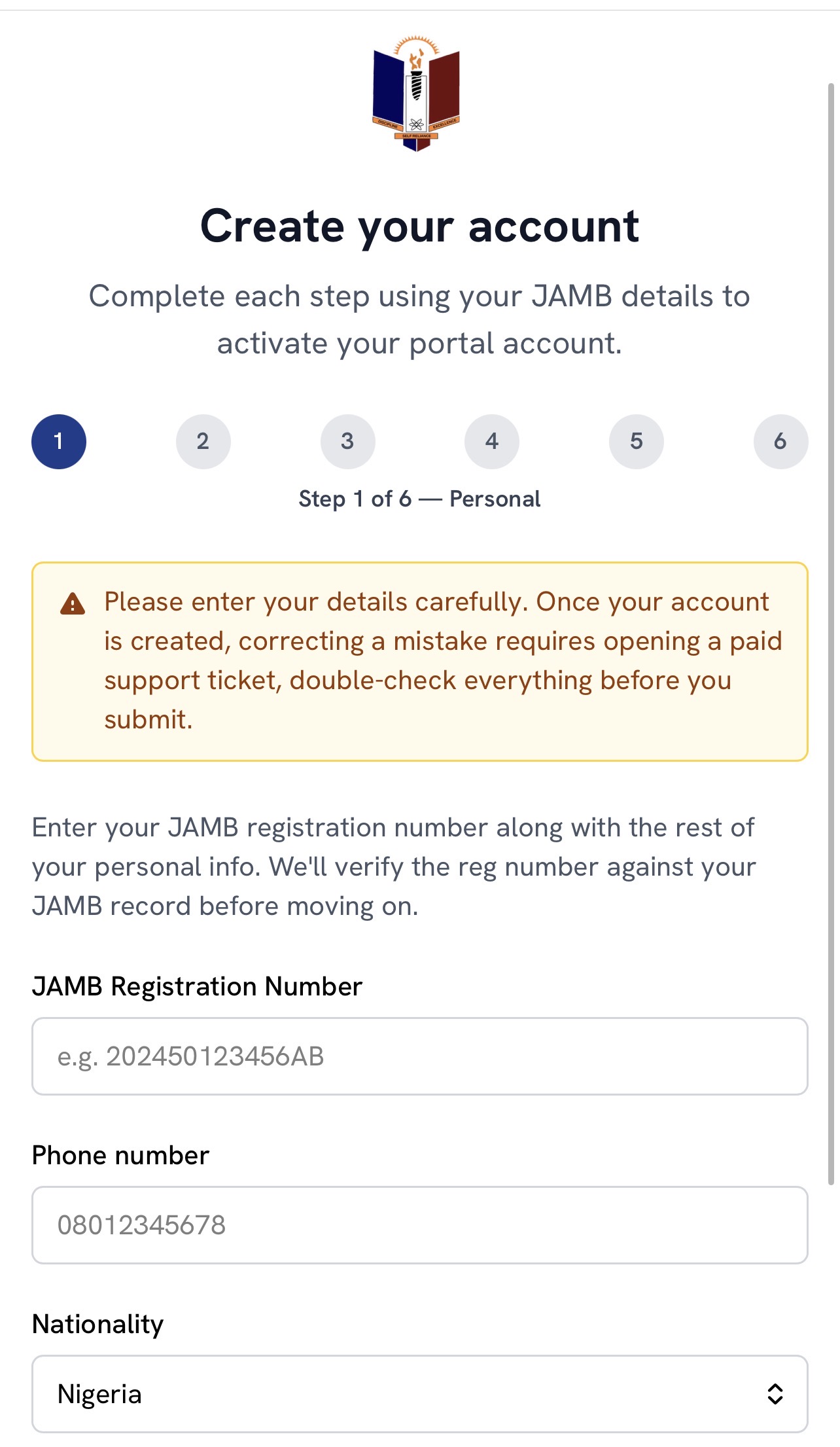
Candidates first create an account using their JAMB and personal details.
Information required may include:
- JAMB registration number
- Email address
- Phone number
- Personal information
Applicants should use an active email address because important notifications may be sent through it.
Complete the application form
After creating an account, candidates provide:
- O’Level results
- JAMB details
- Choice of programme
- Other required academic information
Applicants should carefully review all information before final submission.
Upload required documents
Candidates may be required to upload documents such as:
- O’Level results
- Passport photograph
- JAMB information
- Other requested documents
Documents should be clear and properly uploaded.
Submit the application
After completing registration, candidates should:
- Confirm their details
- Submit the application
- Save their registration information
- Keep payment receipts where applicable
Has UNIZIK started giving admission for 2026?
Candidates asking “Has UNIZIK started giving admission for 2026?” should understand that admission is usually released according to the university’s admission schedule.
Admission may be released in batches, meaning some candidates may receive admission updates earlier than others.
Candidates should regularly check:
- JAMB CAPS
- UNIZIK official admission updates
- Their Post UTME application account
If a candidate has not received admission yet, it does not always mean the admission process is over. They should continue monitoring official platforms.
How do you check the UNIZIK admission list?
Candidates can check their UNIZIK admission status through the JAMB CAPS/eFacility platform.
Steps to check admission status:
- Visit the JAMB eFacility portal.
- Login with your JAMB email and password.
- Select Check Admission Status.
- Choose your examination year.
- Enter your JAMB registration number.
- Click Check Admission Status.
If admission is offered, candidates should accept the admission through JAMB CAPS and proceed with further instructions from UNIZIK.
What does UNIZIK admission status mean?
When checking admission status, candidates may see different responses.
Admission Offered
This means the candidate has been offered admission and can proceed with acceptance.
Admission in Progress
This means the admission process is still being completed.
Not Admitted
This means admission has not been offered at that time.
Pending
This means the application is still under review or processing.
Candidates should continue checking for updates where necessary.
How much is UNIZIK school fees?
UNIZIK school fees vary depending on several factors, including:
- Faculty
- Department
- Level of study
- Academic session
- Approved university charges
Students should always confirm the current fee structure before payment because fees may change from one academic session to another.
School-related charges may include:
- Registration fees
- Examination charges
- Faculty charges
- Student-related fees
- Other approved university charges
What are UNIZIK course fees?
UNIZIK course fees refer to programme-related costs associated with a student’s chosen course of study.
Different programmes may have different financial requirements because of academic needs such as:
- Laboratory practicals
- Professional training
- Special equipment
- Learning resources
For example, programmes in medicine, engineering, pharmacy, and health sciences may involve additional academic requirements compared with some other courses.
Students should check their department’s approved information for accurate programme-related charges.
Follow up on our next article about UNIZIK as we will be dropping full fees breakdown.
How do you pay UNIZIK school fees?
After admission and registration approval, students can complete payment through the approved university payment system.
The general process involves:
- Login to the student portal.
- Select the required payment category.
- Generate payment details.
- Complete payment through approved channels.
- Confirm payment.
- Print receipts for record purposes.
Students should keep payment receipts because they may be required during registration and verification.
What should you do if the UNIZIK portal is not working?
Portal problems may occur because of:
- Incorrect login details
- Poor internet connection
- Browser issues
- Temporary system maintenance
Students can try the following:
- Confirm login details
- Refresh the page
- Use another browser
- Clear browser cache
- Try again later
If the problem continues, students should contact the appropriate university support office.
What are common mistakes students make on the UNIZIK portal?
Some common mistakes include:
Entering wrong information
Applicants should ensure that all details match their official documents.
Using unofficial websites
Students should only use official UNIZIK and JAMB platforms for admission activities.
Waiting until deadlines
Completing applications early reduces avoidable challenges.
Sharing login details
Passwords should remain private.
Ignoring admission updates
Candidates should regularly monitor official platforms for important announcements.
Is the UNIZIK student portal safe?
The UNIZIK portal is designed to provide controlled access to university services. However, students also need to practise safe online habits.
Students should:
- Keep passwords private
- Avoid suspicious links
- Use secure devices
- Log out from shared computers
- Confirm website addresses before entering information
Good digital security habits help protect academic records and personal information.
How can students prepare successfully for UNIZIK admission?
Candidates preparing for UNIZIK admission should:
- Understand admission requirements
- Prepare academic documents early
- Register for Post UTME within the required period
- Monitor JAMB CAPS regularly
- Follow official university announcements
Proper preparation helps students complete the admission process smoothly.
UNIZIK Student Portal Frequently Asked Questions
Has UNIZIK started giving admission for 2026?
UNIZIK admission updates should be confirmed through the official university channels and JAMB CAPS. Admission is normally processed according to the approved admission schedule, and candidates should continue checking their status regularly.
How do I check my UNIZIK admission status?
You can check your admission status through JAMB CAPS/eFacility using your JAMB registration details.
Click Here to Check Admission Status:
https://efacility.jamb.gov.ng/
Where can I apply for UNIZIK Post UTME?
Candidates can apply through the official UNIZIK admission portal.
Click Here to Apply for UNIZIK Post UTME:
https://apply.unizik.edu.ng/
Can I access UNIZIK portal with my phone?
Yes. Applicants and students can access the portal using a smartphone with a reliable internet connection.
What should I do if I forget my UNIZIK portal password?
Use the official password recovery option available on the portal or contact the university support channel for assistance.
The UNIZIK student portal serves as the main digital gateway for applicants and students managing admission, Post UTME, admission status, school fees, and academic activities at Nnamdi Azikiwe University, Awka. Using only official portals helps candidates protect their information and complete university processes successfully.

Be the first to comment