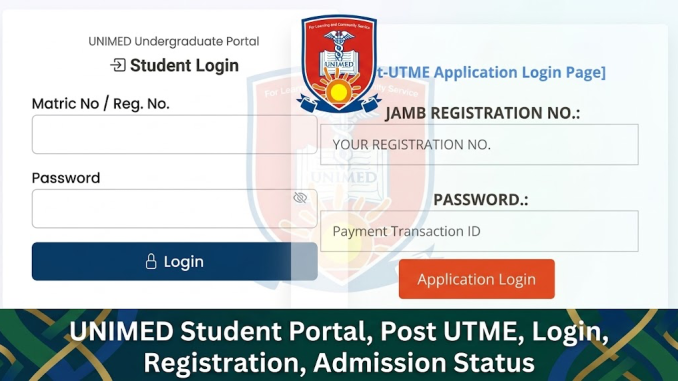
What is the UNIMED student portal and how does it work?
The UNIMED student portal is the official online platform used by students and applicants of the University of Medical Sciences (UNIMED), Ondo to access academic and admission-related services. It is designed for students who need to complete processes such as Post UTME registration, admission checks, course-related activities, payments, and student account management.
The portal has become important because universities in Nigeria are increasingly moving academic and administrative activities online. Instead of visiting offices for every process, students can use digital platforms to submit applications, confirm information, and manage their university journey more efficiently.
For prospective students, the UNIMED portal is mainly used during the admission process, especially for Post UTME applications, screening information, and admission updates. For admitted and returning students, it serves as a gateway to access different academic services.
What is UNIMED Post UTME and who is it for?
UNIMED Post UTME is the university’s admission screening process for candidates who selected the University of Medical Sciences, Ondo as their preferred institution through JAMB (Joint Admissions and Matriculation Board) or meet the university’s stated admission conditions.
The screening process helps the university assess applicants beyond their JAMB scores. Depending on the admission guidelines for a particular session, candidates may be required to provide personal details, academic records, examination information, and other relevant documents.
UNIMED Post UTME is mainly for:
- Candidates seeking admission into undergraduate programmes
- Applicants who meet the university’s minimum admission requirements
- Students interested in programmes related to medical sciences, health sciences, and other approved academic fields
Before applying, candidates should carefully check the current admission requirements, available courses, and screening instructions provided by the university.
Click Here to access the Post UTME portal.
How do you access the UNIMED student portal login?
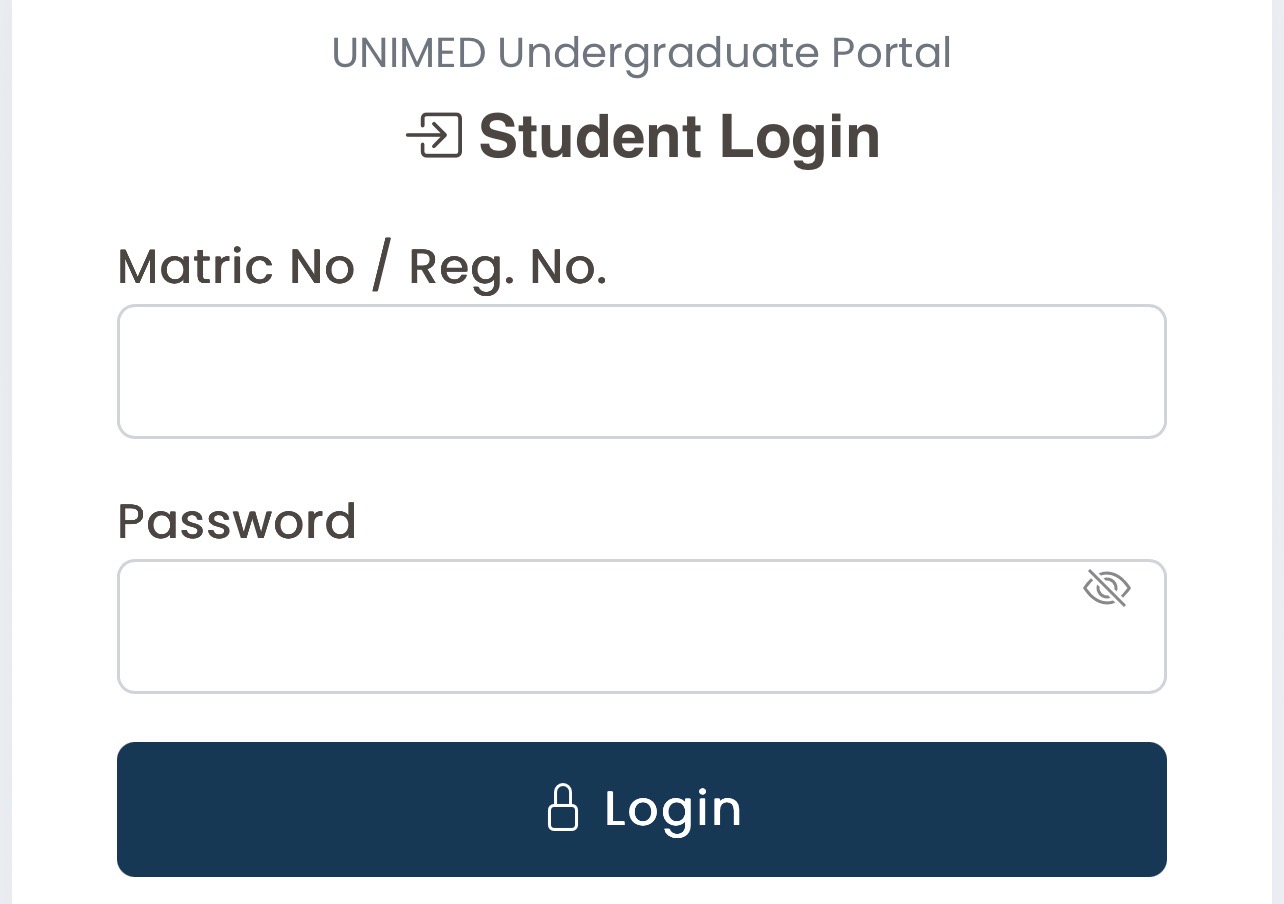
Accessing the UNIMED portal usually requires a student or applicant to provide their login details. These details depend on the type of user accessing the platform.
Applicants using the portal for Post UTME may need information such as:
- JAMB registration number
- Application number (where applicable)
- Email address
- Password created during registration
Students who have already gained admission may use their assigned student login details to access academic services.
A typical login process involves:
- Open the official UNIMED student portal.
- Select the appropriate login section.
- Enter your username or registration details.
- Enter your password.
- Click the login button to access your account.
Students should always confirm that they are using the correct official university portal before entering personal information.
Click Here to access the student portal.
How do you register for UNIMED Post UTME step by step?
The UNIMED Post UTME registration process generally follows a simple online application procedure. While specific steps may change each admission year, the process usually includes the following stages:
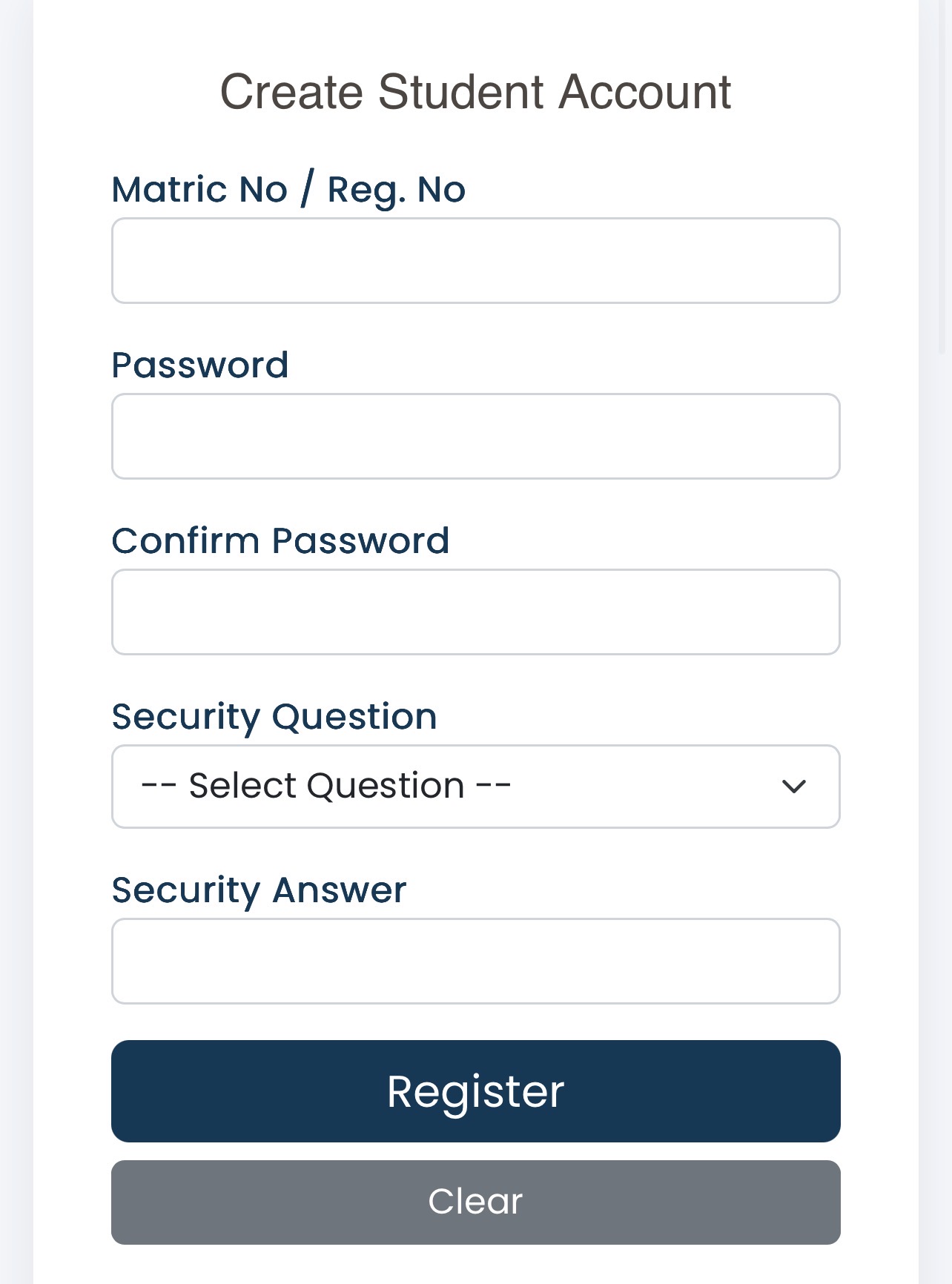
Create an applicant account
Candidates begin by creating an account on the admission portal. This usually involves providing basic information such as:
- Name
- Email address
- Phone number
- JAMB details
Applicants should provide accurate information because errors can affect admission processing.
Complete the application form
After creating an account, candidates complete the Post UTME application form. This may include:
- Personal details
- Educational background
- JAMB information
- Choice of programme
- Examination details
Click Here to register now.
Applicants should carefully review all information before submission.
Upload required documents
Depending on the university’s instructions, candidates may need to upload documents such as:
- JAMB result details
- O’Level results
- Passport photograph
- Other required academic documents
Uploaded documents should be clear and readable.
Make payment where required
If the application requires a screening fee, candidates complete payment through the approved payment method provided on the portal.
Students should keep payment receipts or confirmation details for future reference.
Submit and print confirmation
After completing registration, candidates should submit their application and print any available confirmation page or registration slip.
This document may be required during later stages of the admission process.
Click Here to register your student account.
What information can students access through the UNIMED portal?
The UNIMED student portal provides access to different academic and administrative services depending on whether the user is an applicant or a registered student.
Common services may include:
- Post UTME application management
- Admission status checking
- Student profile management
- School fee-related activities
- Course registration
- Academic records
- Examination information
- Result checking
- Important announcements
The available features may differ based on the student’s academic level and the university’s current digital systems.
How do you check UNIMED admission status?
Candidates who apply for admission usually need to monitor their admission progress through official channels.
The admission checking process may involve:
- Logging into the admission portal.
- Providing required applicant details.
- Checking the admission decision or status update.
- Following further instructions if admission is offered.
Candidates should also monitor their JAMB CAPS (Central Admissions Processing System) because Nigerian university admissions are processed through JAMB procedures.
If a candidate receives an admission offer, they should carefully follow the acceptance instructions and complete all required steps within the given timeframe.
What should you do if you forget your UNIMED portal password?
Forgotten passwords are common among students and applicants. Most university portals provide a password recovery option.
If you cannot access your account:
- Visit the portal login page.
- Select the Forgot Password option.
- Provide the required account information.
- Follow the instructions sent through the available recovery method.
Students should avoid creating multiple accounts when they forget login details because duplicate accounts can create confusion during admission or academic processing.
If the password recovery option does not work, the correct step is to contact the university’s approved support channel.
What are the common mistakes students make when using the UNIMED portal?
Many portal-related problems happen because students rush through online processes. Some common mistakes include:
Entering incorrect information
Small errors in names, JAMB numbers, examination details, or personal information can affect admission processing.
Always compare information with official documents before submission.
Using unofficial websites
Some students follow links shared through social media without confirming whether they are genuine.
Always verify portal addresses through official university communication channels.
Waiting until the deadline
Heavy traffic can affect online platforms when many students try to register at the last minute.
Completing registration early reduces avoidable problems.
Losing login details
Students should safely keep their login information and avoid sharing passwords with others.
Uploading unclear documents
Poor-quality uploads can delay verification. Documents should be properly scanned or photographed before submission.
What are the best practices for using the UNIMED portal successfully?
Students can have a smoother experience by following basic digital practices:
- Use a reliable internet connection during important submissions.
- Keep copies of submitted forms and payment receipts.
- Confirm information before clicking final submission.
- Use an active email address and phone number.
- Avoid sharing passwords.
- Check official announcements regularly.
Digital responsibility is especially important because university portals contain personal academic information.
Is the UNIMED student portal safe for students?
University portals are designed to protect student information through account access controls and authentication systems. However, students also have an important role in maintaining security.
Good security practices include:
- Creating strong passwords
- Avoiding password sharing
- Logging out from shared devices
- Being careful with suspicious messages
- Avoiding unofficial websites requesting personal information
Students should remember that legitimate university processes normally provide clear instructions and should not require unnecessary personal information.
How can students prepare for UNIMED Post UTME?
Preparation for Post UTME involves more than just completing registration. Candidates should focus on understanding the screening requirements and strengthening their academic readiness.
Helpful preparation steps include:
- Reviewing JAMB subjects related to the chosen course
- Studying past examination materials where available
- Understanding the university’s screening format
- Organising required documents early
- Following official announcements
Candidates applying for competitive programmes should pay attention to both academic performance and application accuracy.
What tools can help students manage their UNIMED admission process?
Students can use different digital tools to stay organised during admission.
Useful tools include:
- Email applications for receiving notifications
- PDF readers for viewing admission documents
- Cloud storage tools for saving important files
- Calendar applications for tracking deadlines
- Password managers for securely storing login information
These tools help students manage online academic processes more effectively.
How do you evaluate whether your UNIMED application process is complete?
A completed application should meet several practical checks:
- The registration form has been submitted successfully.
- Required documents have been uploaded correctly.
- Payment confirmation has been received where applicable.
- Applicant details match official records.
- Confirmation documents have been saved.
- Admission updates are being monitored.
Students can use this checklist to reduce errors and improve their chances of completing the process successfully.
How do students use the UNIMED portal responsibly without security problems?
Students should treat university portals like other important digital accounts. Responsible use protects both personal information and academic records.
Good habits include:
- Using personal login details only
- Avoiding public computers when possible
- Checking website addresses carefully
- Reporting suspicious portal activities
- Updating passwords when necessary
As universities continue expanding digital services, students who develop good online habits will find academic processes easier to manage.
The UNIMED student portal is an important part of the university experience, from the first stage of Post UTME application to ongoing student activities. Understanding how the portal works helps applicants avoid common mistakes, complete important processes correctly, and stay informed throughout their academic journey.

Be the first to comment