What is the FUASK student portal and how does it work?

The FUASK student portal is the online platform used by students and applicants of the Federal University of Applied Sciences, Kachia (FUASK), Kaduna State to access admission, registration, payment, and academic services. The portal allows prospective students to complete admission processes, check important updates, manage applications, and access other university services online.
FUASK introduced online systems to make university processes easier for applicants and students. Instead of depending only on physical visits to administrative offices, candidates can complete many important activities digitally.
The portal is useful for different categories of users:
- Prospective students applying for admission
- Newly admitted students completing acceptance and registration
- Returning students managing academic activities
Some of the major services connected to FUASK online platforms include:
- Admission application
- Post UTME registration
- Admission status checking
- School fee payment
- Acceptance fee payment
- Course registration
- Result-related services
The available services may change as the university continues developing its digital platforms.
How do you login to the FUASK student portal?
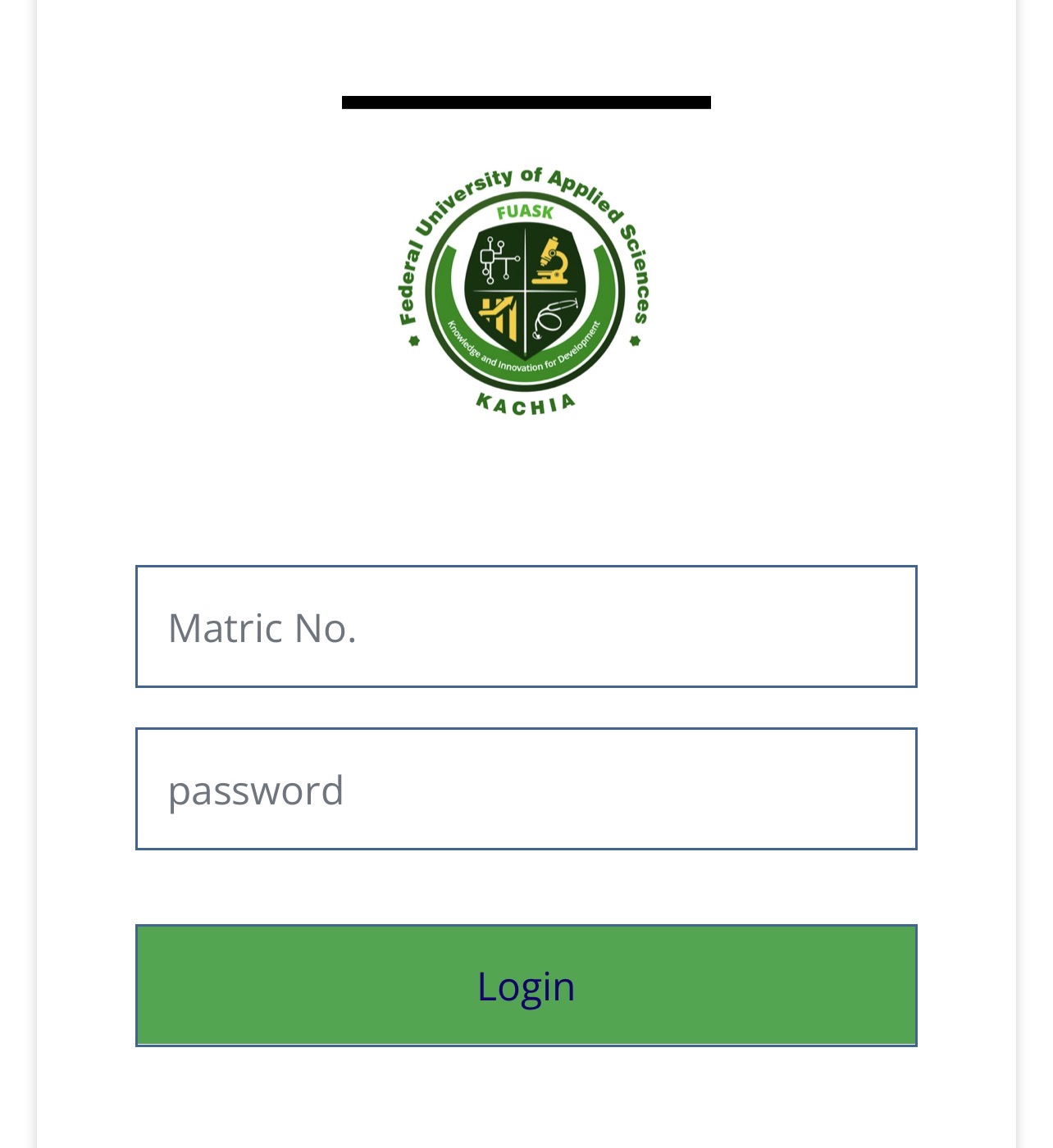
Students and applicants need the correct login details to access their accounts.
For applicants, login details are usually created during the admission application process.
Click below link to Login to FUASK Applicant Portal:
FUASK Application Portal
Applicants may need:
- Application number or email address
- Password created during registration
After successful login, candidates can access their application dashboard and available admission services.
Students should keep their login details private and avoid sharing passwords with friends or third parties.
What is the FUASK admission portal used for?
The FUASK admission portal is the platform where candidates complete admission-related activities for undergraduate programmes.
It is mainly used for:
- Creating an admission application account
- Completing Post UTME registration
- Uploading required documents
- Checking admission status
- Printing admission documents
- Receiving admission-related instructions
Click Here to Apply for FUASK Admission:
FUASK Application Portal
Candidates who want to apply should carefully follow the admission instructions provided by the university before submitting their application.
How do you apply for FUASK admission step by step?
The FUASK admission process follows an online application procedure.
Create an applicant account
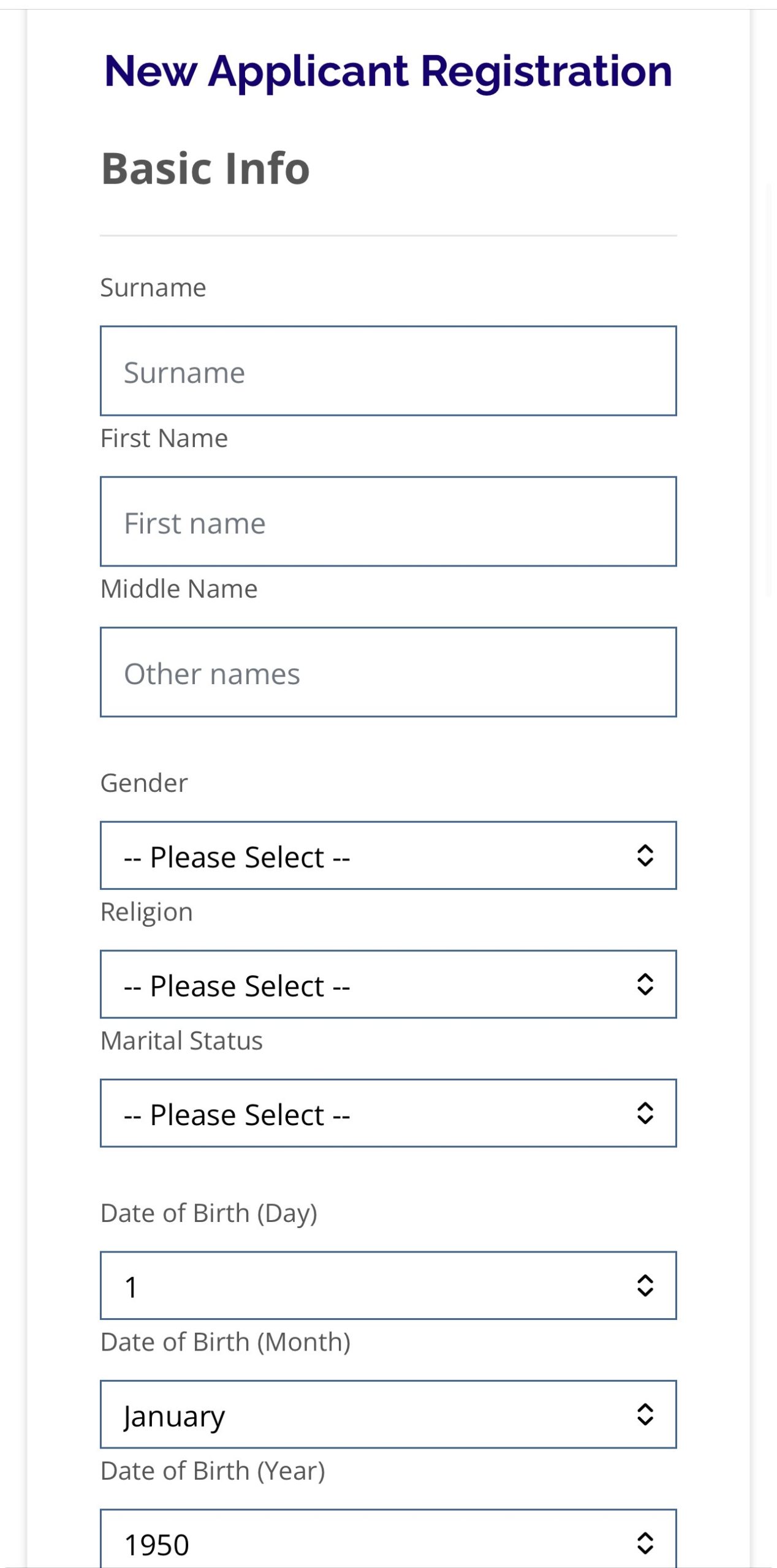
The first step is creating an account on the FUASK application portal.
Click Here to access the registration portal.
Applicants provide basic information such as:
- Full name
- Email address
- Phone number
- Personal details
- JAMB information
Candidates should ensure that all information provided matches their official records.
Complete the application form
After account creation, applicants complete the admission form by providing:
- Educational background
- O’Level results
- JAMB details
- Preferred programme
- Other required information
Applicants should carefully review all details before submitting because incorrect information may affect admission processing.
Upload required documents
Candidates may be required to upload documents such as:
- O’Level results
- JAMB information
- Passport photograph
- Other academic documents requested by the university
Uploaded documents should be clear and readable.
Pay application fee where required
Applicants may be required to complete an application payment before accessing the full application form.
FUASK admission guidelines have included online application payment and completion of forms through the applicant dashboard.
Submit and print confirmation
After completing the application:
- Submit the form
- Save application details
- Print confirmation documents where required
Keeping records helps during later admission stages.
What is FUASK Post UTME and who can apply?
FUASK Post UTME is the university’s admission screening process for candidates seeking undergraduate admission.
The screening process helps the university assess applicants who meet the required admission conditions.
Candidates are generally expected to have:
- A valid JAMB result
- Required O’Level credits
- The appropriate subject combination
- The required JAMB score for the admission year
For the 2026/2027 academic session, FUASK announced Post UTME screening procedures and required eligible candidates to complete the application process through the university portal.
Applicants should always confirm the current requirements because admission conditions may change between sessions.
How do you check the FUASK admission list?
The FUASK admission list contains the names of candidates who have been offered admission into the university.
Candidates can check their admission status through the approved FUASK admission platform.
The general process involves:
- Login to the FUASK applicant portal.
- Enter your application details.
- Open the admission status section.
- Check your admission decision.
- Print your admission letter if offered admission.
Click Here to Check FUASK Admission Status:
FUASK Applicant Portal
New students are also advised to check their JAMB CAPS admission status and accept admission where required before completing university registration.
How do you check the FUASK admission list through JAMB CAPS/eFacility?
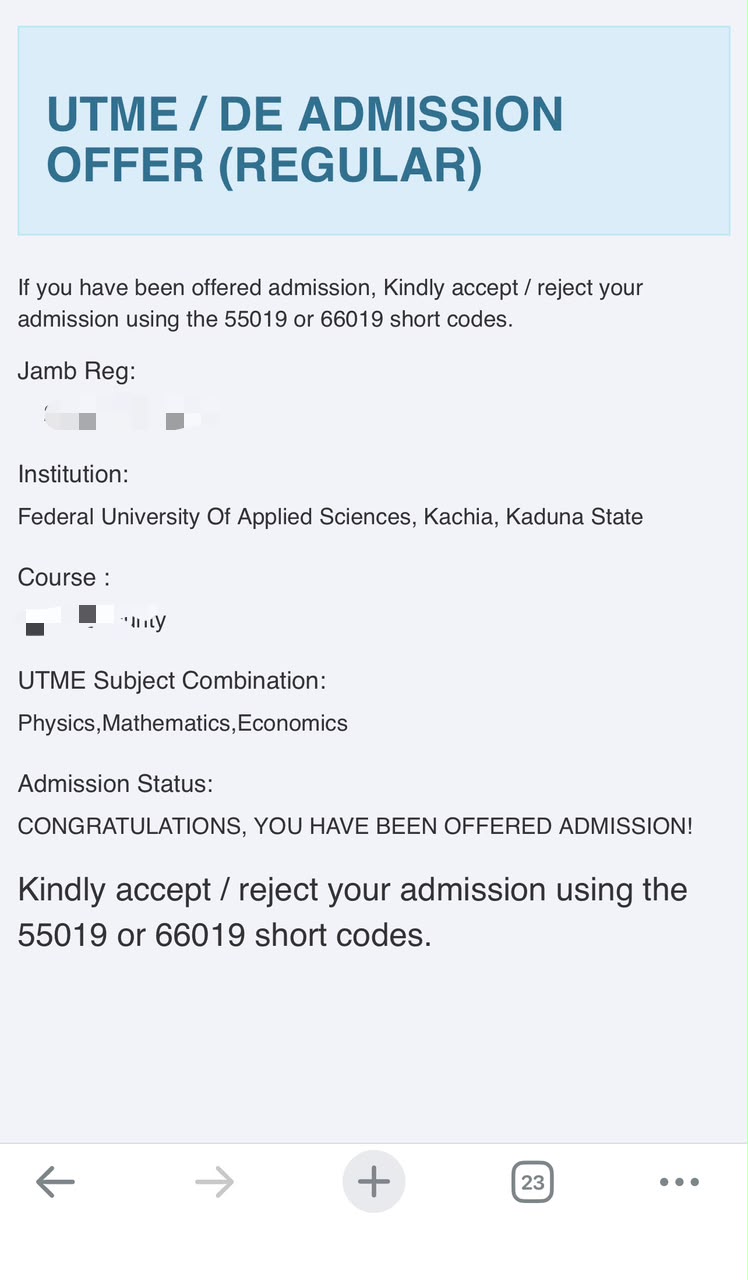
Candidates who applied for admission into Federal University of Applied Sciences, Kachia (FUASK) can check their admission status through the JAMB CAPS/eFacility portal. To check, visit the JAMB eFacility portal, log in with your registered email address and password, select Check Admission Status under the Admission Services menu, enter your examination year and JAMB registration number, then click Check Admission Status to view your result. If admission has been offered, candidates should proceed to accept the admission offer through CAPS and complete any further registration instructions from FUASK.
Click Here to Check JAMB Admission Status:
https://efacility.jamb.gov.ng/
When will FUASK release the admission list?
The release date for the FUASK admission list depends on the university’s admission timetable.
Admission lists are usually released after:
- Completion of Post UTME screening
- Verification of applicant information
- Processing of admission decisions
- Approval of successful candidates
Candidates should regularly monitor official FUASK announcements for updates.
FUASK has released admission information and screening notices through its official website for different academic sessions.
How much is FUASK school fees?
FUASK school fees depend on the student’s programme and academic level.
The university’s approved fees vary across faculties because professional and specialised programmes may require different academic resources.
Examples of published FUASK fees include:
| Programme | School Fees |
|---|---|
| Medicine and Surgery (MBBS) | ₦250,000 |
| Nursing Science | ₦210,000 |
| Pharmacy | ₦210,000 |
| Medical Laboratory Science | ₦200,000 |
| Radiography | ₦200,000 |
| Computer Science | ₦160,000 |
| Information Technology | ₦160,000 |
Students should always confirm the latest fee schedule before making payment because fees may be updated by the university.
What are FUASK course fees?
FUASK course fees refer to programme-related charges connected to a student’s chosen course of study.
Different courses may have different fees because of factors such as:
- Laboratory requirements
- Practical training
- Professional facilities
- Departmental resources
For example, medical and health-related programmes may have different financial requirements compared with some science or computing programmes.
Students should check the fee schedule for their specific programme before payment.
How do you pay FUASK school fees online?
FUASK students can make approved payments through the university payment platform.
Click Here to Pay FUASK School Fees:
FUASK Payment Portal
The payment process generally involves:
- Select the payment type.
- Enter application or matriculation details.
- Generate payment information.
- Complete payment through approved channels.
- Print payment receipts.
Available payment options include categories such as:
- Application processing fee
- Admission acceptance fee
- Fresh student school fees
- Returning student fees
Students should keep all payment receipts for registration and verification purposes.
What other fees do FUASK students pay?
Apart from school fees, students may have additional approved charges.
These may include:
- Acceptance fee
- Accommodation fee
- Other university registration charges
FUASK published admission guidelines indicating additional charges such as acceptance and accommodation fees for newly admitted students.
Students should confirm the current charges from the official university payment platform before making payments.
What courses are available at FUASK?
FUASK focuses on applied sciences, technology, health sciences, and professional programmes.
Available areas include:
- Medicine and Surgery
- Pharmacy
- Nursing Science
- Medical Laboratory Science
- Radiography
- Anatomy
- Physiology
- Computer Science
- Software Engineering
- Cyber Security
- Information Technology
- Environmental Sciences
- Architecture
- Agricultural programmes
The university continues to expand its academic offerings as more programmes receive approval.
What should you do if the FUASK portal is not working?
Sometimes students may experience login or portal issues because of network problems, incorrect details, or temporary technical challenges.
Try these steps:
- Confirm your username and password
- Check your internet connection
- Refresh the page
- Use another browser
- Clear browser cache
- Try again later
If the problem continues, students should contact FUASK support through official channels.
What are common FUASK portal mistakes students should avoid?
Many problems happen because students rush online processes.
Common mistakes include:
Entering wrong information
Applicants should ensure that names, JAMB details, and academic records are accurate.
Paying through unofficial channels
Students should only use approved FUASK payment platforms.
Losing login details
Keep application numbers, emails, and passwords secure.
Ignoring deadlines
Late registration can create unnecessary difficulties.
Uploading poor-quality documents
Documents should be clear and readable.
Is the FUASK student portal safe?
University portals are designed to protect student information, but users must also practice good digital security.
Students should:
- Avoid sharing passwords
- Use secure devices
- Log out after using shared computers
- Avoid suspicious messages
- Confirm official portal addresses
Protecting account information helps prevent unauthorised access.
How can students prepare for FUASK admission successfully?
Students preparing for FUASK admission should:
- Check available programmes
- Understand admission requirements
- Prepare academic documents early
- Follow Post UTME announcements
- Monitor admission status regularly
- Keep copies of submitted documents
Early preparation reduces mistakes during the admission process.
How do students know their FUASK admission process is complete?
A student can confirm completion by checking that:
- Admission application has been submitted
- Admission status has been confirmed
- JAMB CAPS acceptance has been completed where required
- School fees have been paid
- Registration requirements have been completed
- Payment receipts have been saved
The FUASK student portal is an important digital platform for managing admission and academic activities at the Federal University of Applied Sciences, Kachia. Understanding how to use the admission portal, check the admission list, complete payments, and manage registration helps students handle their university journey more effectively.

4 Trackbacks / Pingbacks